Notary: the native remote signer
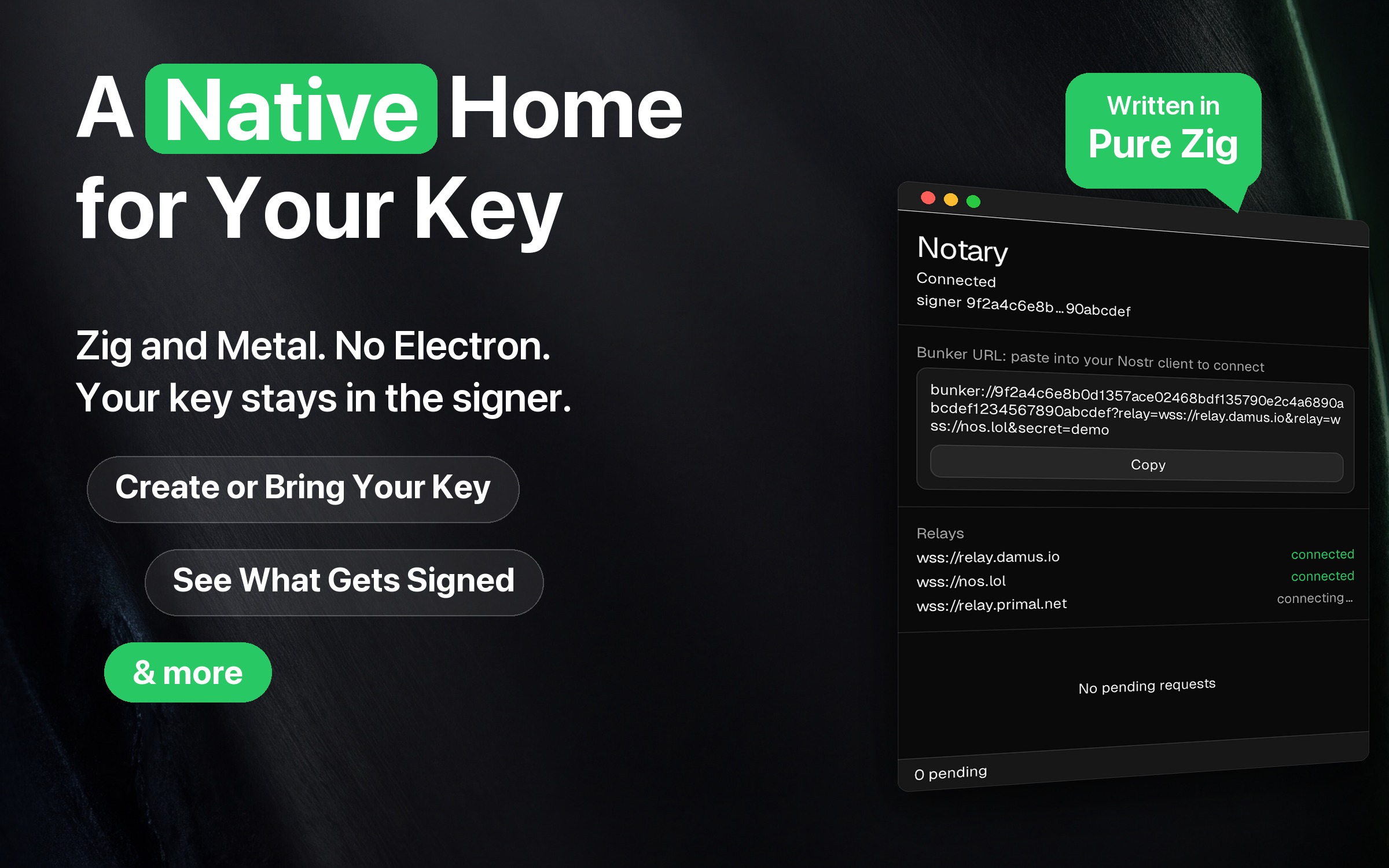
Notary is a native remote signer for macOS and Linux built on zig-nostr: Zig throughout,
drawing its own pixels, with no Electron and no WebView anywhere. It implements
the NIP-46 “bunker” protocol, so your nsec lives in a local daemon on a machine
you control. Nothing gets signed quietly: you see what a client is asking for
before it happens, and the key never leaves the daemon unless you ask for it.
Install
curl -fsSL https://raw.githubusercontent.com/zig-nostr/notary/main/scripts/install.sh | bashThat works on macOS (Apple Silicon) and Linux (x86_64 and aarch64). It downloads the latest release for your system, verifies its SHA-256, installs it and starts it: Notary.app in /Applications on macOS, and everything under ~/.local on Linux, so nothing needs root. One download brings up both halves: the window, and the daemon it spawns, which is where your key actually lives.
- Linux needs GTK 4 and a recent distribution: Ubuntu 23.10+, Debian 13+ or Fedora 39+. Ubuntu 22.04 and Debian 12 are too old. The installer checks both before it downloads anything.
- The macOS build is ad-hoc signed, not notarized, on purpose: Notary holds your key, so the trust anchor is a build you can reproduce rather than an Apple signature.
- On macOS, choose Quit Notary in the menu bar before you install over a running copy.
- Options go after
bash -s --:--version <tag>,--archive <file>,--prefix <dir>and--no-open. The README explains each.
Source, releases, and build instructions live at zig-nostr/notary.
What it does
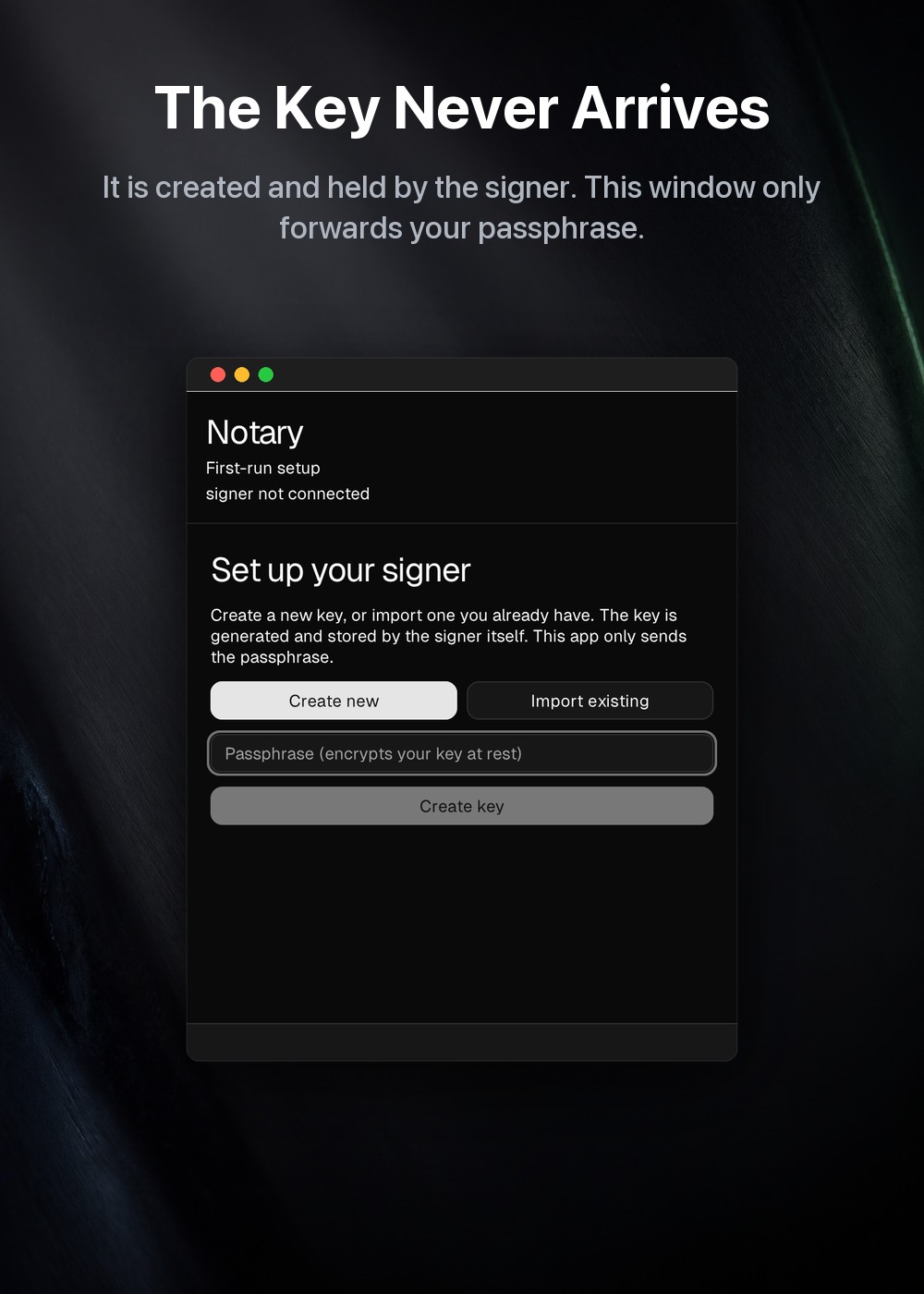
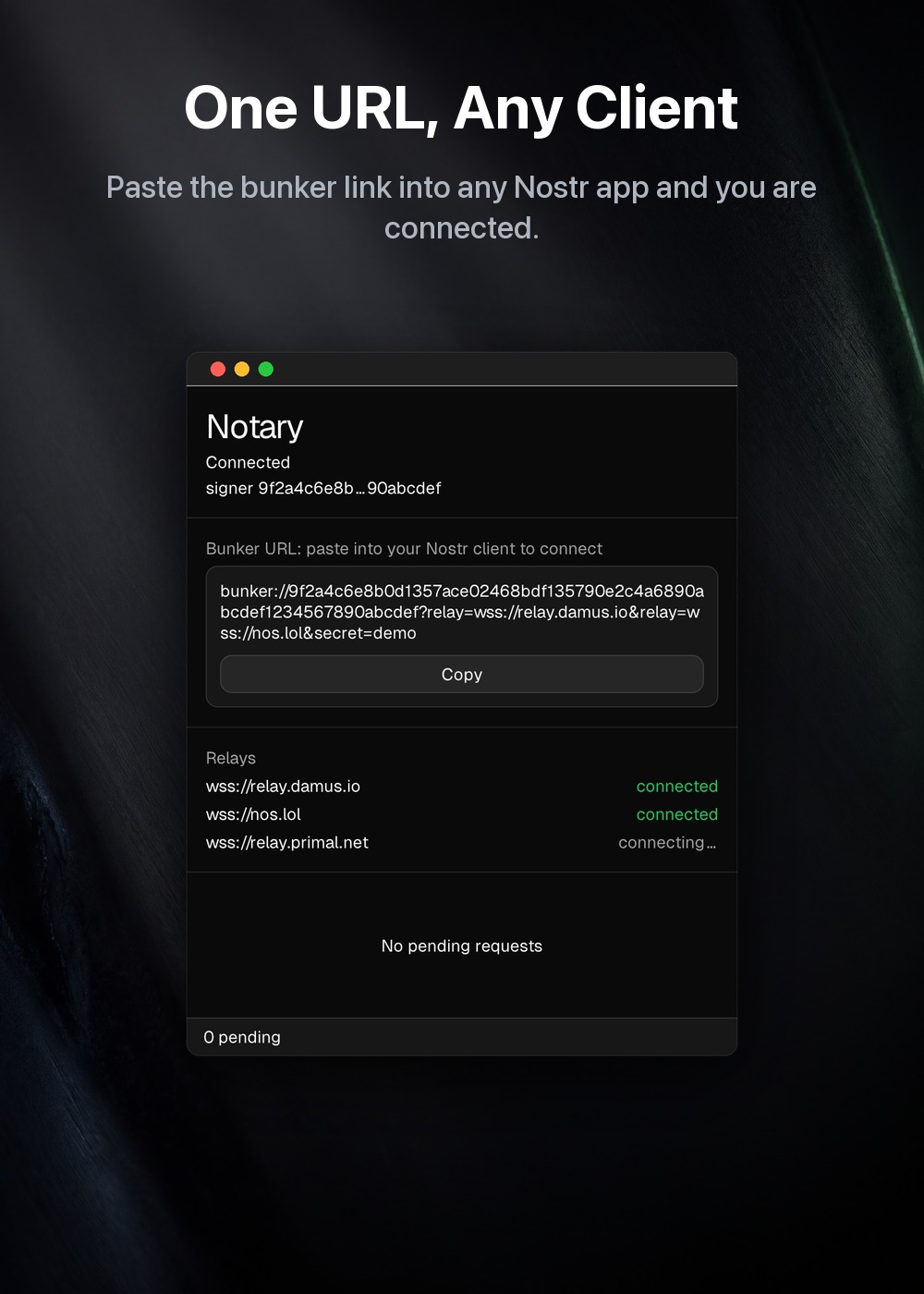
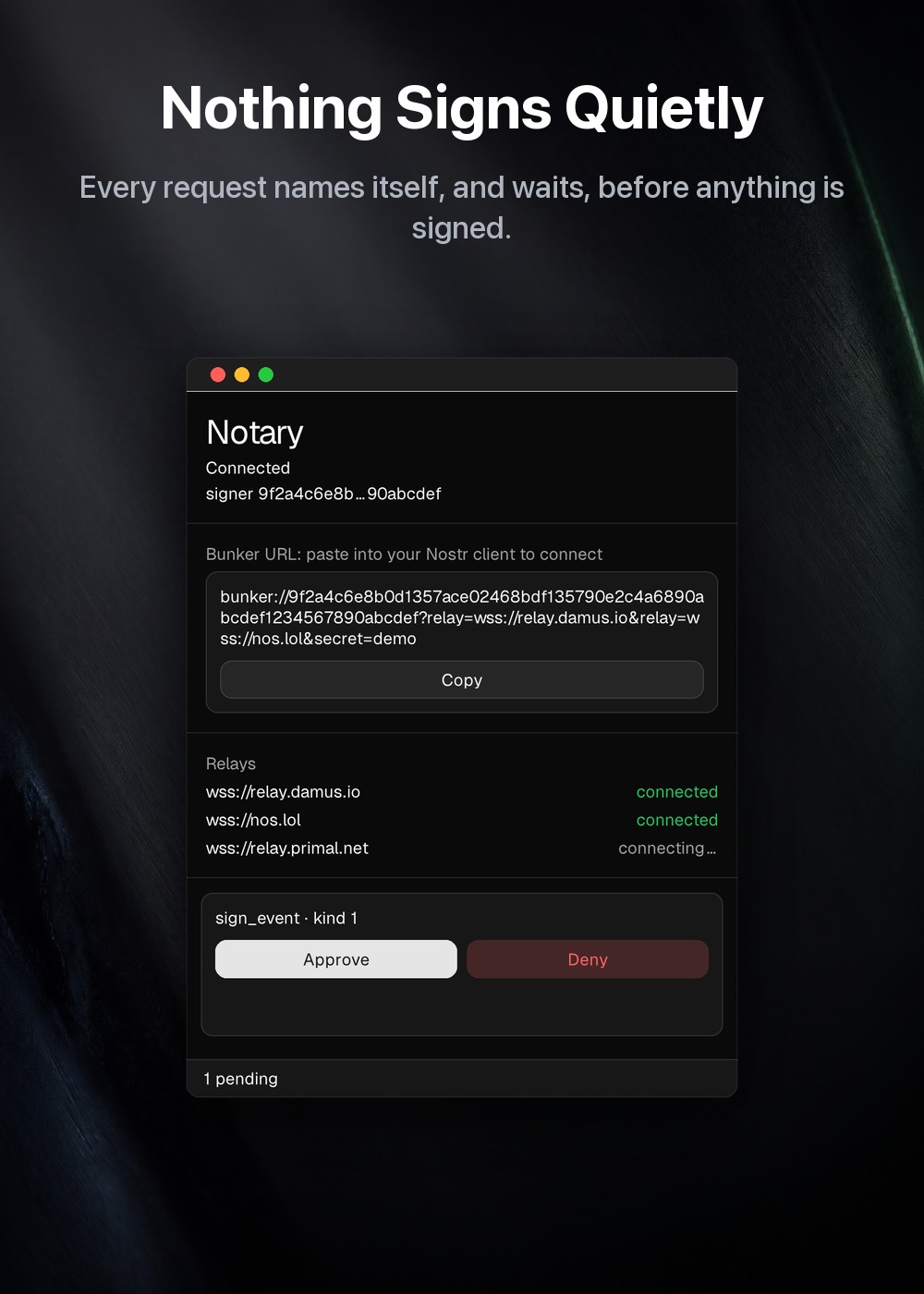
Real windows, photographed from the running app. Every pixel inside the window
is the app’s own, so nothing here shows a screen the app cannot draw. The signer
pubkey and bunker:// URL come from a stub daemon; no real key
appears in any of them.
How it works
- A headless daemon holds the key (encrypted at rest with NIP-49). It is one of two things, never both: a bunker on real relays, where a client proves who it is with its own keypair, or the private keyholder of a single app that ships Notary and starts it. One key, one keyholder: a second daemon cannot open a key that is already open.
- A native approval GUI shows each incoming request (
sign_event,nip44_encrypt, and so on) and forwards your answer over a loopback channel: allow once, for a day, always, or deny. The key is generated and decrypted in the daemon; the GUI sends it a passphrase, and an nsec only when you import an existing key on the setup screen. - Clients connect with a
bunker://URL. It works end-to-end over public relays, including those that require NIP-42 authentication.
ARCHITECTURE.md in the repository explains how the two processes talk, the daemon’s modules, how the key is stored with NIP-49, and how the window supervises the daemon.
Your key is yours to take
A nostr key cannot be replaced. If the only copy is on one Mac, losing the Mac loses the account, so Notary will hand the key back: Back up your key, the passphrase, then one of two forms.
The encrypted key is the NIP-49 ncryptsec1… exactly as it sits on disk,
still behind your passphrase, so it is safe to keep in a password manager or on
paper. Keep the passphrase somewhere else.
The secret key is the nsec1… itself. Anyone who reads it becomes you, for
good.
The passphrase is asked for either way, including the encrypted form that does not strictly need it: an unlocked signer is the normal state, and whoever is at the keyboard then is not necessarily the person who set it up.
Staying in the background
On macOS, closing the window does not quit Notary. The signer keeps answering, and an N item in the menu bar shows how many requests are waiting. When a request arrives the window comes back to the front, and when you have answered the last one it goes away again. If you opened the window yourself, it stays open until you close it.
The menu bar item has Open Notary to bring the window back by hand and Quit Notary to stop. Quitting stops the signer too, so nothing is left running with your key. If the signer stops by itself the window comes back and says so, rather than leaving a menu bar item that no longer answers anything.
Notary has no Dock icon on macOS. A window that another app opened for its own keyholder behaves as it always did: it has a Dock icon, and closing it ends it. On Linux closing the window quits, because the toolkit’s Linux host has no status item that could bring a hidden window back.
Supported operations
connect · sign_event · ping · get_public_key · nip44_encrypt · nip44_decrypt · logout
Only the three that touch the key reach you; connect, ping,
get_public_key and logout are bookkeeping and are answered without waking
anybody. A static allowlist of methods and event kinds is the first gate, and
your answer carries a duration: once, for a day, or always, keyed by client,
method and event kind, so a client that signs in a loop is not a prompt in a
loop. A refusal stands for an hour, and a request nobody answers is not written
down at all.
Why it matters
The hard problem in Nostr UX is key custody: every web client that wants to post
on your behalf traditionally needs your nsec. Notary is the counter-example:
a fast, native key manager that signs for any client while the secret stays put.
It’s the first of the zig-nostr showcases.